19/10/2026 04:57
Help Shoppers Find the Right Answer: YouTube Chapters for Cambodian Appliance Shops

A shopper watching a rice cooker demonstration may want one answer: whether the inner bowl is removable, how the controls work or what the lid looks like when opened. If that answer is buried in a longer video, another promotional push does not solve the navigation problem. For Cambodian appliance businesses, clearly named YouTube chapters can make an existing demonstration easier to use in product enquiries and social media promotion. This guide follows a hypothetical Phnom Penh shop as it turns one finished video into a navigable reference. It also explains where SMM panel evaluation belongs in that process, and why purchased engagement cannot establish that Cambodian shoppers found the information useful.
1. Choose a video with several useful answers
Start with a finished demonstration that answers distinct questions. A comparison of two rice cookers might cover their physical size, removable parts, controls and cleaning instructions. Those are useful navigation destinations because different viewers may need different information. A short clip showing only a lid opening probably does not need this treatment. Do not stretch a simple video or invent extra topics just to create chapters.
In this hypothetical example, the shop already has a six-minute demonstration. Staff repeatedly send it to people asking about the products, but recipients still ask where the bowl comparison begins. The practical objective is to make that answer easy to locate. It is not to manufacture a longer viewing session, increase a public counter or promise that navigation changes will improve rankings.
2. Watch the final cut and map actual topic changes
Watch the exact uploaded version from beginning to end. Record where each useful explanation starts, what the viewer sees and which question it answers. Work from the finished cut rather than the filming script: removed introductions and shortened pauses can shift every later timestamp. Keep these notes simple enough that another staff member can verify them without needing the editing project.
Place a boundary where the next subject becomes understandable. If the presenter says “this one is easier to remove” before identifying the bowl, starting at that sentence leaves a new arrival confused. Move the boundary back to the product identification. Similarly, keep any essential qualification with the demonstration it limits. A chapter should offer a useful entry point without stripping away context.
3. Write chapter names that describe the answer
Use specific labels such as “Comparing the removable bowls” or “Finding the cooking controls.” Labels like “Amazing feature” and “Watch this” force viewers to guess. A good title tells someone whether that section addresses their question before they play it. Avoid repeating the shop name, Cambodia and the product category in every title; those additions make the navigation harder to scan.
Choose the language your intended viewers understand. For a Khmer-language demonstration aimed at Khmer-speaking customers, have a fluent reviewer write and check the chapter labels. Keep genuine model identifiers unchanged when needed to distinguish products. Do not assume that an English technical term is familiar simply because it appears on the packaging. This article's English examples illustrate the naming method, not a requirement to use English on the channel.
4. Apply YouTube's chapter format
YouTube's official instructions require the first timestamp to begin at 00:00, at least three timestamps in ascending order and chapters lasting at least ten seconds. In YouTube Studio, the channel operator selects Content, opens the video and adds timestamps with titles to its description, then saves. Manually supplied chapters override automatic chapters. These requirements are documented at https://support.google.com/youtube/answer/9884579?hl=en.
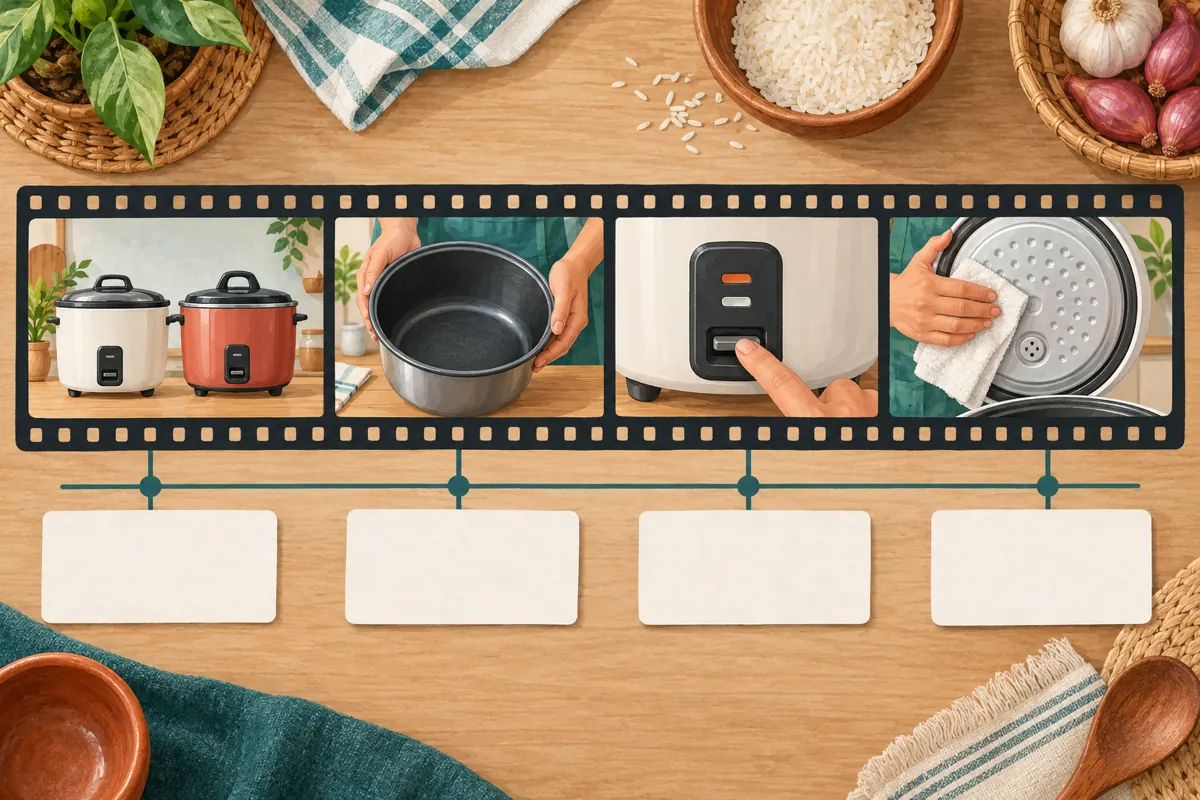
For the hypothetical six-minute video, a draft might read “00:00 Models shown,” “00:40 Size and counter space,” “01:35 Comparing the removable bowls,” “02:50 Cooking controls,” “04:10 Cleaning the removable parts” and “05:20 Questions to ask before choosing.” Enter each timestamp and title on its own line. These are illustrative timings, not a template to paste into a different video. Every boundary must match the footage it names.
5. Keep product qualifications visible after a jump
Chapter navigation changes how people enter a demonstration. Someone who jumps directly to cleaning may miss an earlier explanation that the video covers only the displayed model. Review each section as though it were the first thing the viewer sees. If the relevant product cannot be identified, adjust the boundary or clarify the footage before using it as a customer reference.
For an appliance shop, this matters when two similar products have different removable components or care instructions. Follow the applicable manufacturer's instructions when preparing demonstrations, and avoid presenting one model's procedure as universal. A chapter label cannot correct an inaccurate demonstration. If the shop cannot substantiate a claim about capacity, durability or energy use, remove or qualify that claim rather than making it more prominent through navigation.
6. Test the route from question to answer
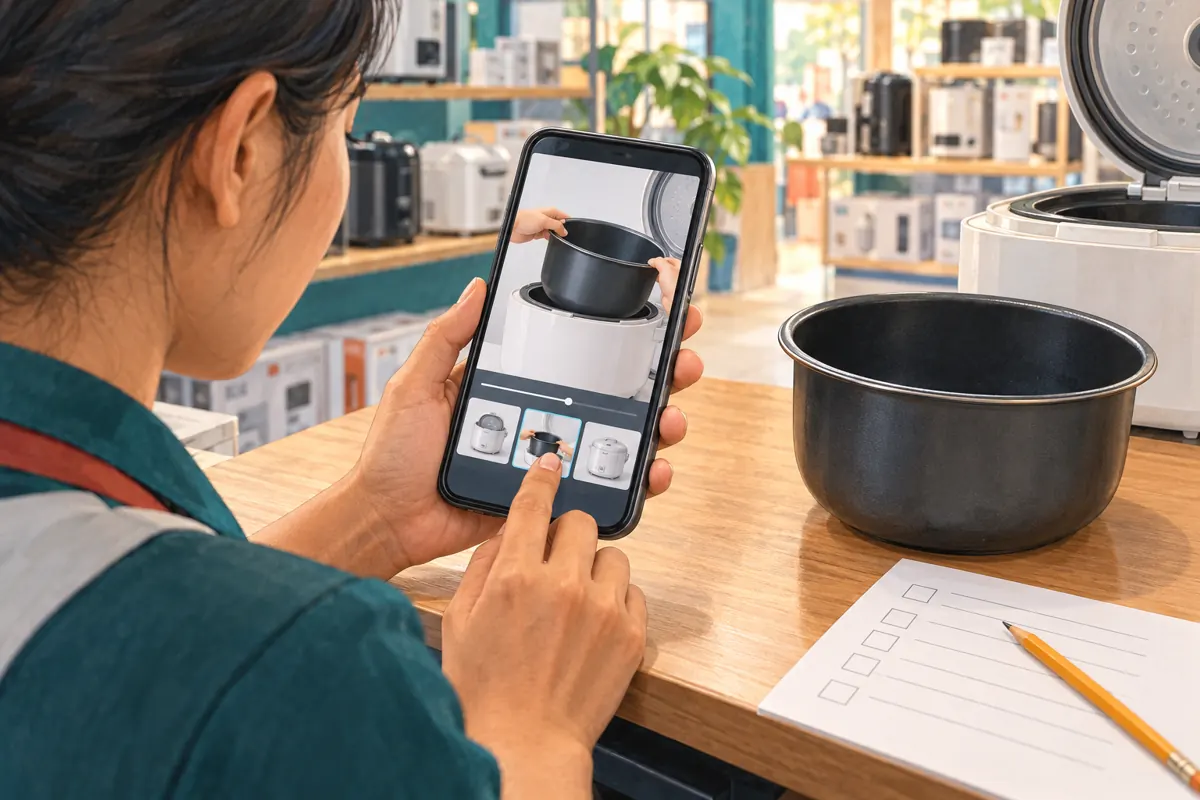
Ask a colleague who did not create the chapter list to use the public video on a phone. Give them a realistic task: “Find the part showing whether the inner bowl lifts out.” Let them choose the chapter without coaching. Then ask what product they saw and whether the explanation answered the question. This checks the relationship between the label, starting point and actual content.
Record concrete problems instead of declaring the video easy to use. For example, a hypothetical tester might select “Size” when looking for bowl capacity because “Bowl comparison” sounds like a materials discussion. The fix could be a clearer title or a different section boundary. Check the opening seconds of every chapter, including the final one, and confirm that the saved description matches the reviewed version.
7. Troubleshoot missing chapters before changing the video
If chapters do not appear, check the saved timestamp list against the format requirements first. Inspect the final segment as well as the gaps between entries. YouTube advises applying for Advanced features access if chapters are unavailable. Its guidance also explains that automatic chapters are not guaranteed and that eligibility restrictions can apply. Consult https://support.google.com/youtube/answer/9884579?hl=en before assuming the problem is the wording.
Do not immediately delete and reupload a useful demonstration because navigation is missing. First establish whether the saved list, feature access or video eligibility needs attention. Meanwhile, staff can still describe where an answer occurs when responding to a genuine enquiry. Keep the explanation honest: the content may be usable even while the chapter display needs investigation, but do not advertise navigation that has not been verified.
8. Evaluate SMM panel offers separately
A chapter review addresses usability. An SMM catalogue listing addresses a different proposed service. The supplied catalogue includes “Youtube Views ~ Video/Shorts ~ Max 1M ~ 50k-100k/days ~ Instant ~ 𝐍𝐎 𝗥𝗘𝗙𝗜𝗟𝗟”. Its title identifies a views-related offer, but the supplied description is empty. The wording alone does not establish its delivery method, compliance, audience location or connection to genuine product interest.
YouTube prohibits artificially increasing engagement metrics and says a hired promoter's actions can affect the channel. Its policy also prohibits promoting services that artificially inflate metrics on YouTube. Review the primary policy at https://support.google.com/youtube/answer/3399767?hl=en. Do not use an unclear offer as a small experiment to discover whether it is compliant. If the method cannot be established as compliant, leave it out of the promotion plan.
Purchased engagement is not evidence of sales, genuine interest, ad delivery or Cambodian users. Neither a catalogue title nor an order marked complete establishes that anyone used the bowl-comparison chapter. Keep service evaluation separate from the question this workflow can actually answer: can a viewer locate and understand the relevant product explanation?
9. Promote the specific usefulness of the video
Once navigation works, describe what the demonstration helps people do. A hypothetical social post could say: “Comparing these two rice cookers? Our demonstration covers counter space, removable bowls and controls. Use the chapter list to find your question.” This gives viewers a concrete reason to open the video without claiming popularity, superior performance or a result the shop cannot support.
When a customer asks a related question, answer briefly in the conversation and identify the relevant chapter for further detail. Do not make watching the video a condition of receiving basic information. For local enquiries, separate product explanation from service availability: the demonstration does not confirm delivery to a particular Cambodian district, current stock or today's price. Staff should confirm those details through the shop's normal enquiry process.
10. Review usefulness without inventing attribution
After the video has been used in ordinary enquiries, collect specific observations. Did someone say the bowl section answered their question? Did staff repeatedly have to explain what a chapter title meant? Did viewers ask about a feature that the demonstration never covered? Those observations can inform the next edit, but a few conversations do not establish how the whole audience behaved.
Avoid attributing a sale to chapters merely because a buyer received the video. They may also have visited the shop, compared other products or discussed the purchase with family. Record what is known and leave the rest uncertain. If the demonstration is later trimmed or replaced, repeat the boundary check: an old timestamp list can remain neatly formatted while pointing to the wrong explanation.
Frequently asked questions
Should we add chapters to every product video?
Use them when the video contains distinct sections that viewers may reasonably want to revisit or enter separately. A single-action demonstration may be clearer without extra navigation. Review the content first; do not divide it into arbitrary intervals or lengthen it to fit a chapter plan.
What if viewers skip the shop introduction?
A shopper with a specific question may reasonably go straight to the answer. Make the introduction useful and brief, but do not hide product information to force people through it. Ensure later sections still identify the relevant model and preserve any qualifications needed to understand the demonstration.
Can we reuse the same chapter list for similar rice cookers?
You can reuse a planning structure, such as size, removable parts and controls. Recheck every title and timestamp against each finished video. Similar-looking appliances may have different features, and editing choices change timing. A copied list should remain a draft until someone verifies all its destinations.
How should a small shop divide this task between staff?
Let the person familiar with the product identify the answers, then have someone less familiar with the recording test the labels. The channel operator can enter the approved list. Even when one person handles everything, separating the content review from a later phone-based navigation check can reveal assumptions missed during drafting.
Do better chapters justify buying a views package?
No. Making a video easier to navigate does not establish that a separate promotion method is appropriate or compliant. Evaluate the provider's actual method against YouTube's policy. A views-related service title cannot prove Cambodian reach, customer intent or advertising delivery, and a higher counter cannot validate the chapter design.
What should we do when customers need an answer the video lacks?
Answer the enquiry directly using verified product information. Then decide whether the missing explanation warrants a new demonstration or a revision. Do not rename an existing chapter to imply it covers something absent from the footage. Navigation helps people find information; it cannot supply information that was never recorded.
Explore the current service catalogue, create an account, or ask a specific question through support tickets.
Prepared with AI assistance. Illustrations explain the workflow and do not represent customer results.